
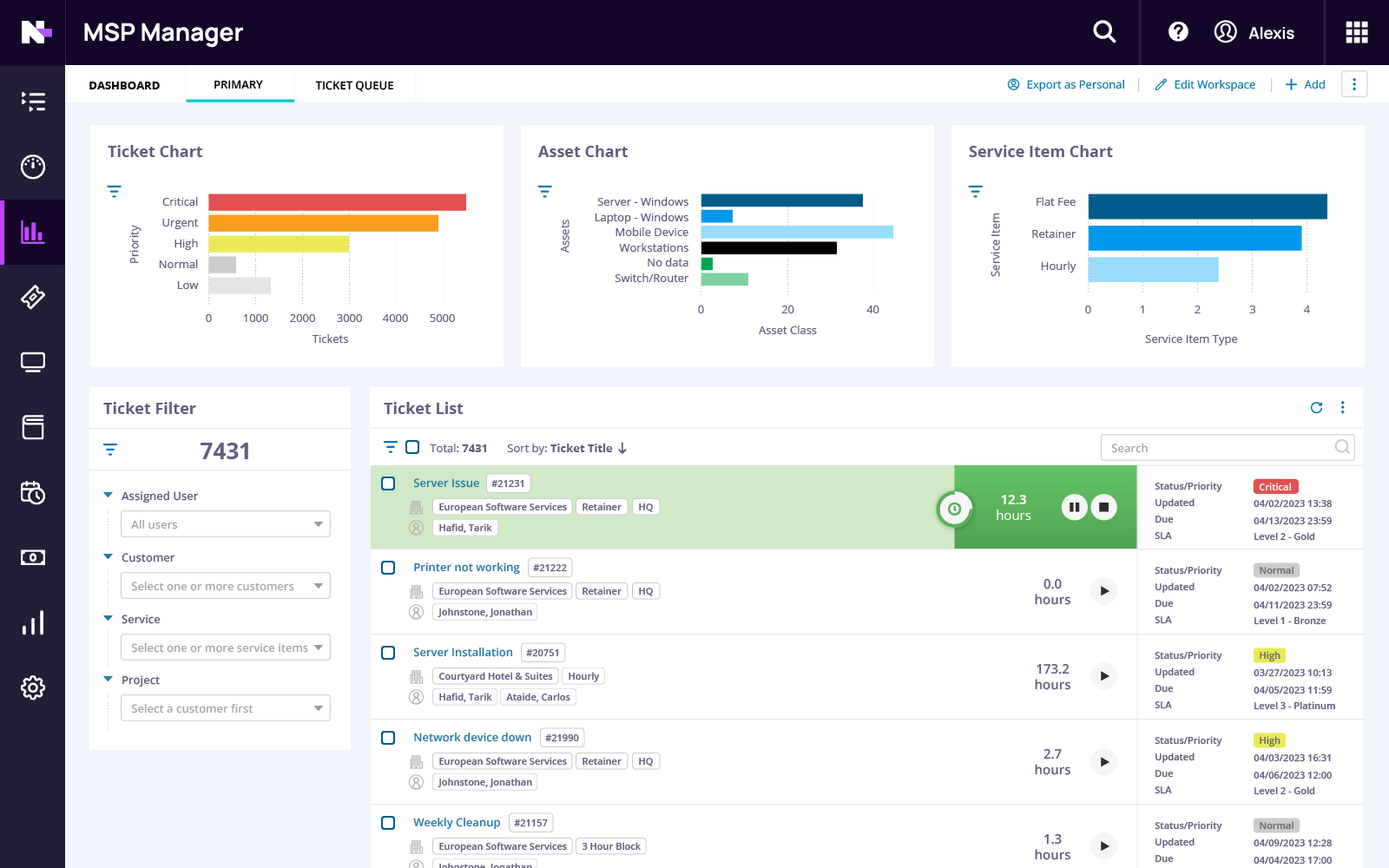
MSP client portal and billing Keep clients informed. Bill them in a few clicks.
With N-able MSP Manager, clients get a branded portal to submit tickets and check status, while your team turns tracked ticket time into accurate invoices and gets billing done faster.
One tool for the work clients see and the work you bill
Clients want answers without the phone call. You want invoices without the spreadsheet. MSP Manager ties the ticket, the time, and the invoice together.

Fewer status calls

Invoices that match the work

Billing in a few clicks
Client portal
A customer portal that carries your brand
Give clients an easy, branded way to get support with MSP Manager. They can submit tickets, check status, and stay informed without extra calls or emails. Set your portal address, add your logo and company name, and match your brand colors so the client portal feels like a natural extension of your business.
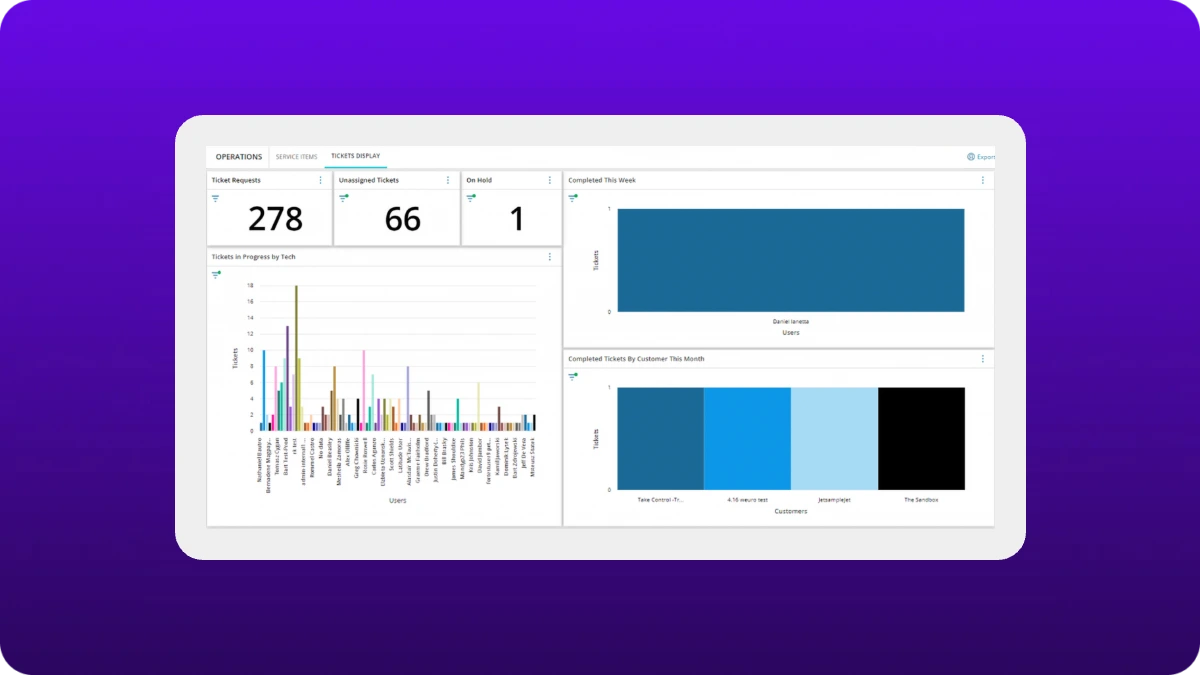
What clients can do in the portal

Clients create tickets themselves
Clients create tickets themselves
Clients log requests themselves, so you get them in writing instead of over the phone.
Quick requests without a login
Quick requests without a login
End users can raise a ticket from the portal without signing in, so getting help is never a hurdle.
Ticket status at a glance
Ticket status at a glance
Clients check the status of current tickets right in the portal, which saves you the « any update? » call.
Answers before they ask
Answers before they ask
Publish how-to articles and fixes for common issues in the portal’s knowledge base. Clients can search or browse by category, and you choose who sees each article: everyone, signed-in users, or specific customers.
Updates in one place
Updates in one place
Post announcements in the portal, like planned maintenance or a new service, so clients hear it from you before they call to ask.
Your brand, front and center
Your brand, front and center
Add your company URL and logo, and match the design to your branding, so clients remember who keeps things running.
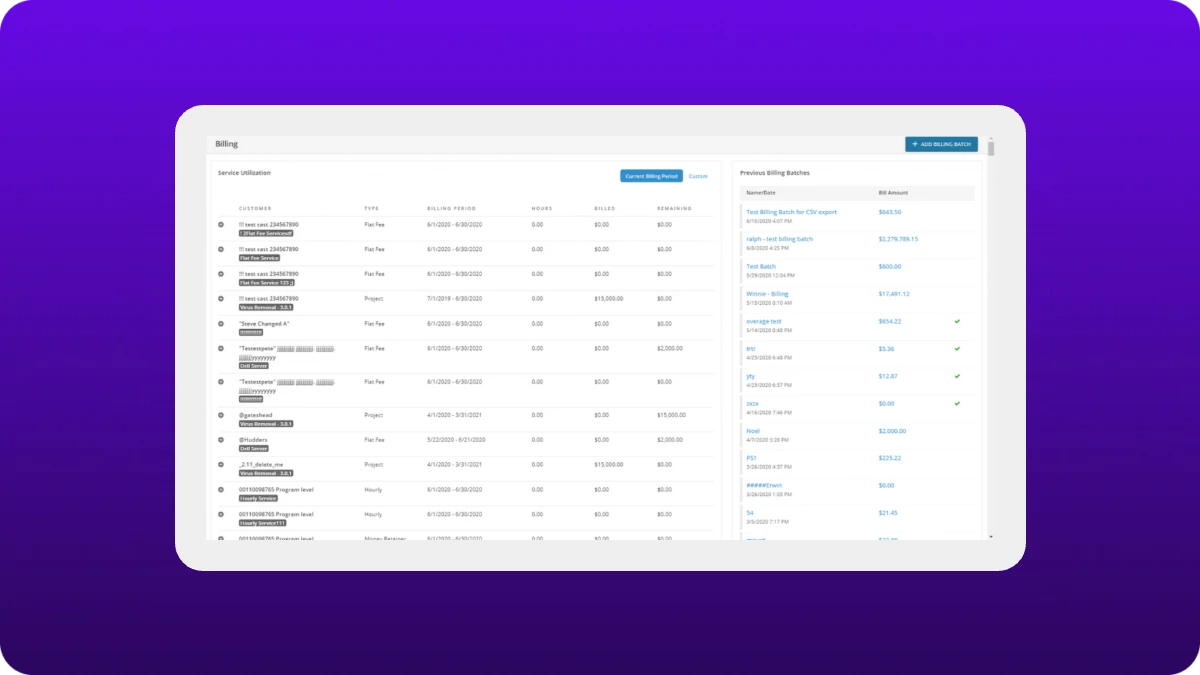
Billing and invoicing
Billing that starts at the ticket, not a spreadsheet
Make billing easier with MSP Manager. Turn tracked ticket time into accurate, itemized invoices based on your rates, so clients can clearly see what they’re paying for. Generate invoices in batches to get through month-end faster.
How MSP Manager simplifies billing and invoicing

Accurate invoices from tracked time
Accurate invoices from tracked time
Invoices use your engineers’ tracked time and your rates, with tickets and expenses itemized for the client.
Bulk billing for large rosters
Bulk billing for large rosters
Generate invoices for everyone with a balance in a few clicks. Filter batches to bill only certain clients, like retainer contracts.
Review each invoice's time entries and expenses before you export
Review each invoice's time entries and expenses before you export
Create sample invoices to see a client’s version before it’s generated, and catch problems early.
Export to QuickBooks or Xero
Export to QuickBooks or Xero
Sync and export invoices to QuickBooks, QuickBooks Online, or Xero in a single batch, at month-end and tax time.
Built to work with the rest of your stack
Connected to your RMM
Part of your service desk
Common questions about MSP billing and portals
Why should an MSP connect ticketing and billing?
Why should an MSP connect ticketing and billing?
When ticketing and billing share data, techs track time once and invoices are largely populated from tracked time. That cuts manual entry, speeds up the payment cycle, and makes invoices more accurate.
How do technician reports help you bill accurately?
How do technician reports help you bill accurately?
A real-time record of where time goes shows exactly where each client’s hours go. Match your rates to those documented hours and you never estimate, which gives clients confidence they’re not being overcharged.
How does accurate billing show clients your value?
How does accurate billing show clients your value?
Clients see tickets, but not the patching, maintenance, and backup monitoring behind the scenes. Detailed invoices and a portal showing ticket status make that work visible, so the value is easier to see.
Can clients submit tickets without logging in?
Can clients submit tickets without logging in?
Yes. End users can raise a ticket from the portal login page without signing in. Signed-in users can track the status of their tickets.
What is an MSP client portal?
What is an MSP client portal?
An MSP client portal gives customers a place to interact with their IT service provider online. With MSP Manager, clients can submit support tickets, check ticket status, and use a portal customized with your company’s branding.
How does MSP billing software work with ticketing?
How does MSP billing software work with ticketing?
MSP Manager connects ticketing, time tracking, and billing so technician time recorded against tickets can support accurate invoicing. The billing software capabilities use tracked time and configured rates to help create invoices that reflect the work performed.
See it with your own clients and tickets
Try MSP Manager free, or get a quote for your team.