



Manage server patching and superior policy
Patch management policy for servers
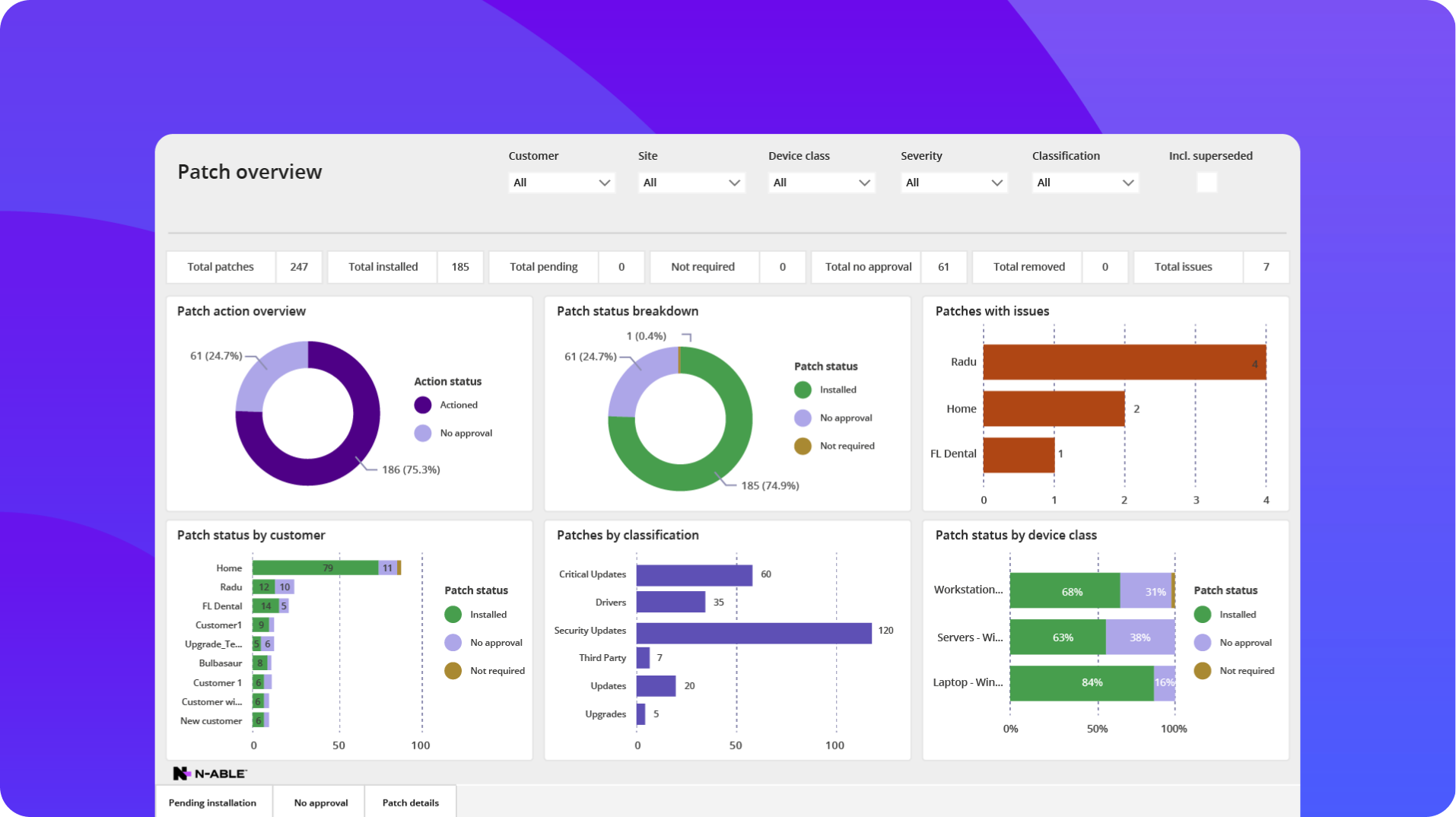
N‑able helps IT professionals set well-thought-out policies centered around severity, patch types, groups, server role, and more. This ensures the flexibility to optimize their security without compromising uptime.
Test before you deploy
N‑able RMMs allow for specific schedules to scan, deploy, and reboot servers as a part of your server patch testing. This gives you compatibility and zero-day bugs with patches, updates, and third-party patches to prevent missed SLAs and disruptions.

More support for more servers
Support all Microsoft server patch bands and OOB
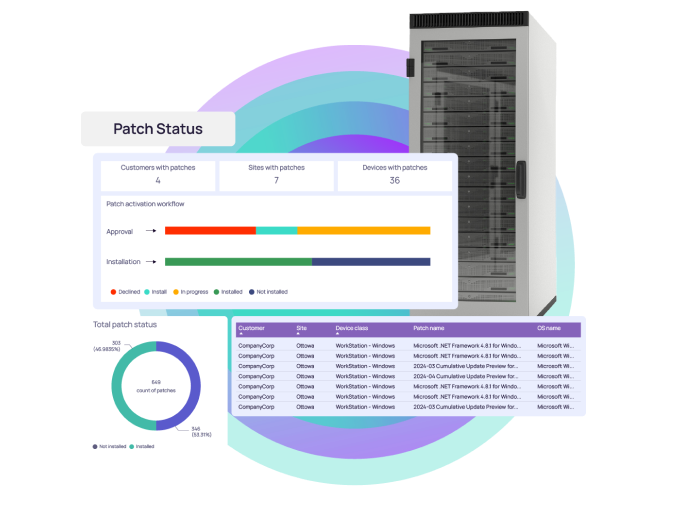
N‑able RMM platforms support all Microsoft patching bands, as well as out-of-band patches that can be automatically deployed to servers, keeping your critical infrastructure, on-premise or in the cloud, updated and secure.
Server support with security
N‑able RMM platforms support server patching for Microsoft and Mac in a central location. Additionally, supporting a wide range of Windows server versions allows you to keep vulnerable servers more secure.

ConnectWise
Automate
Kaseya VSA
Datto RMM
Atualizações de SO e recursos prontas para usar
Totalmente automatizadas
Totalmente automatizadas
Exige scripts
Totalmente automatizadas
Canais de lançamento da Microsoft
Todas as classes e gravidades de patches da Microsoft, incluindo OOB
Banda B apenas
Banda B apenas
Banda B apenas
Classificações da Microsoft
Compatível com todas as classificações Microsoft
Compatível com todas as classificações Microsoft
Compatível com todas as classificações Microsoft
Compatível com todas as classificações Microsoft
Suporte à aplicação de patches de terceiros
Mais de 100 aplicativos compatíveis, testados internamente e verificados para instalação bem-sucedida
Lista de aplicativos compatíveis de um fornecedor terceirizado aproveitando um repositório aberto da comunidade
Mais de 100 aplicativos compatíveis, testados internamente e verificados para instalação bem-sucedida
Lista interna de aplicativos compatíveis com algumas instalações de complemento com script
Rede fechada e aplicação de patches off-line
Cria listas de patches de modo nativo para uso por dispositivos sem conexão à Internet
Indisponível
Exige carregamento manual de patches em um servidor central
Indisponível
Suporte a ativação e patches
Usa Wake-on-LAN e o Gerenciamento de energia do Windows para ativar dispositivos isolados e em rede
Wake-on-LAN apenas
Wake-on-LAN apenas
Wake-on-LAN apenas
Intervalo de atraso de aprovação automática de patches com contagem regressiva
Atrasos de aprovação totalmente automatizados e configuráveis com contagem regressiva
Exige interação manual
Exige interação manual
Exige interação manual
Learn more about server patch management
What is server patch management?
What is server patch management?
Server patch management is the process of scanning, testing, scheduling, and deploying security updates and feature upgrades to server-based infrastructure. This reduces the potential of security breaches while maintaining stability and limiting disruption of the service they provide.
Why is server patch management important?
Why is server patch management important?
Server patch management is a critical security practice due to the nature that servers play in a network. Servers are likely to have connectivity to and from multiple locations, endpoints, and data within a network that requires heightened security measures.
Additionally, servers may provide a critical line of business application or service that requires high availability and performance. This would require their patch management to be managed carefully to not disrupt the users or the business.
How often should server patches be applied?
How often should server patches be applied?
IT professionals should consider multiple factors when it comes to how often servers should be patched. These factors include the role, how critical the server is to the business and users, what sort of sensitive data may be stored or processed on it, business service level agreements/goals, and the nature or severity of critical patches and updates that may leave that server vulnerable.
Using many of the same considerations above, application and feature updates should be considered based on the usage and benefits of updates.
N‑able RMM platforms provide IT professionals with a severity score for security patches, as well as dashboards and views based on multiple factors to allow them the flexibility to schedule and deploy server patches to maximize security and reduce downtime.
What are the challenges of server patch management?
What are the challenges of server patch management?
Server patch management can present several challenges. This includes software or application compatibility, risk of downtime during patching and after, server patching over different server role types, meeting compliance standards, and aligning patching across multiple networks.
N‑able RMM platforms provide server patch management with the flexibility and automation to have granular control over testing, delayed deployment scheduling, roll back, and reboot controls, along with reporting and analytics to reduce the challenge associated with server patch management.