



Manage server patching and superior policy
Patch management policy for servers
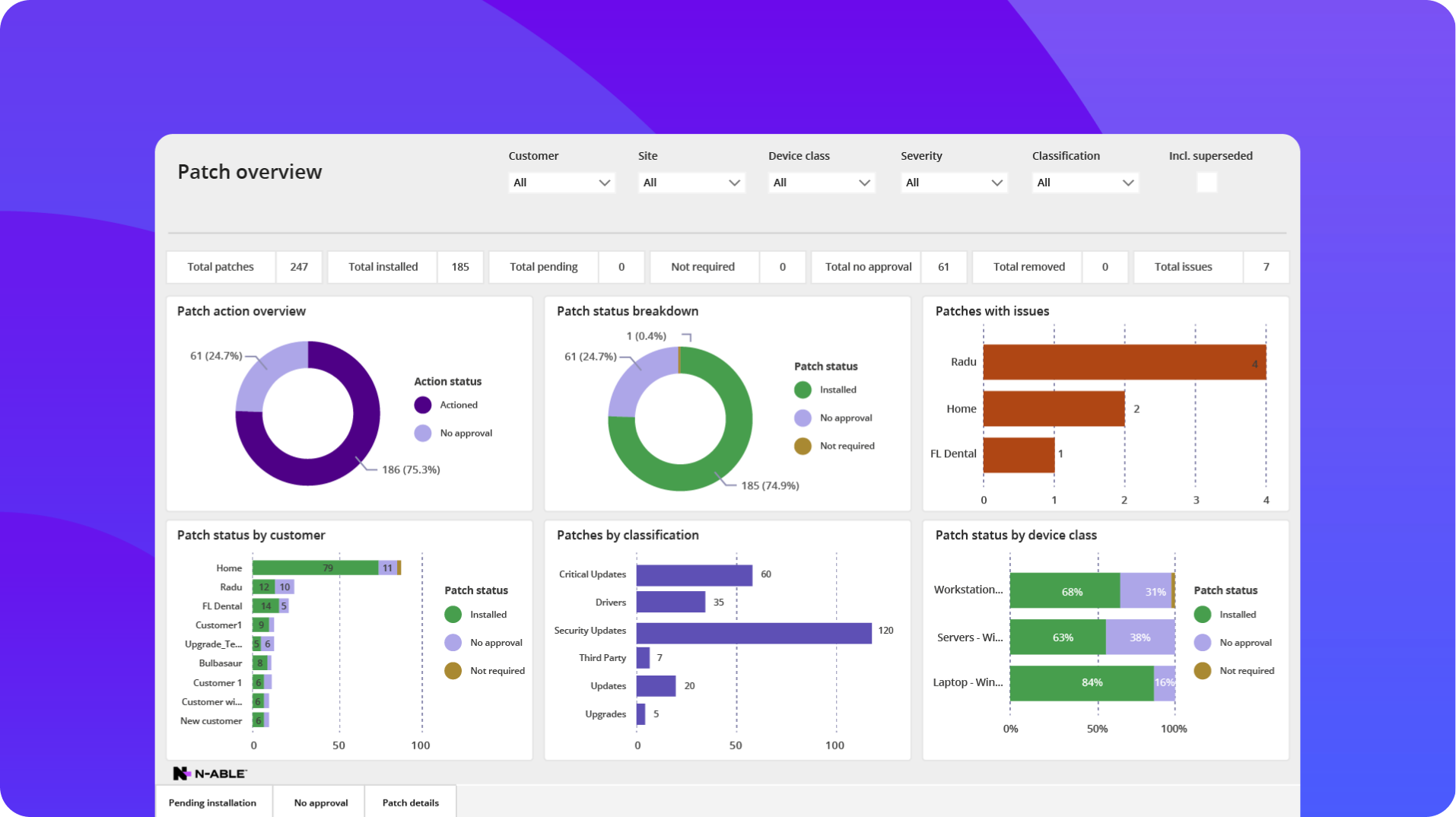
N‑able helps IT professionals set well-thought-out policies centered around severity, patch types, groups, server role, and more. This ensures the flexibility to optimize their security without compromising uptime.
Test before you deploy
N‑able RMMs allow for specific schedules to scan, deploy, and reboot servers as a part of your server patch testing. This gives you compatibility and zero-day bugs with patches, updates, and third-party patches to prevent missed SLAs and disruptions.

More support for more servers
Support all Microsoft server patch bands and OOB
N‑able RMM platforms support all Microsoft patching bands, as well as out-of-band patches that can be automatically deployed to servers, keeping your critical infrastructure, on-premise or in the cloud, updated and secure.
Server support with security
N‑able RMM platforms support server patching for Microsoft and Mac in a central location. Additionally, supporting a wide range of Windows server versions allows you to keep vulnerable servers more secure.

ConnectWise
Automate
Kaseya
Datto RMM
Out-of-the-box OS and feature updates
Fully automated
Fully automated
Requires scripts
Fully automated
Microsoft Release Channels
All Microsoft patches, including OOB
Band B only
Band B only
Band B only
Microsoft classifications
Supports all Microsoft classifications
Supports all Microsoft classifications
Supports most Microsoft classifications
Supports all Microsoft classifications
Third-party patching support
100+ in-house verified apps
Third-party apps via community repo
100+ supported apps via a third-party supplier
In-house apps + scripted add-ons
Closed network and offline patching
Includes offline patch lists
Not available
Requires manual upload
Not available
Wake and patch support
Wakes devices via WoL & Power Management
Wake-on-LAN only
Wake-on-LAN only
Wake-on-LAN only
Patch auto-approval delay range with countdown
Automated, configurable approval delays
Requires manual interaction
Requires manual interaction
Requires manual interaction
| Legend | included | partially included | not available |
Learn more about server patch management
What is server patch management?
What is server patch management?
Server patch management is the process of scanning, testing, scheduling, and deploying security updates and feature upgrades to server-based infrastructure. This reduces the potential of security breaches while maintaining stability and limiting disruption of the service they provide.
Why is server patch management important?
Why is server patch management important?
Server patch management is a critical security practice due to the nature that servers play in a network. Servers are likely to have connectivity to and from multiple locations, endpoints, and data within a network that requires heightened security measures.
Additionally, servers may provide a critical line of business application or service that requires high availability and performance. This would require their patch management to be managed carefully to not disrupt the users or the business.
How often should server patches be applied?
How often should server patches be applied?
IT professionals should consider multiple factors when it comes to how often servers should be patched. These factors include the role, how critical the server is to the business and users, what sort of sensitive data may be stored or processed on it, business service level agreements/goals, and the nature or severity of critical patches and updates that may leave that server vulnerable.
Using many of the same considerations above, application and feature updates should be considered based on the usage and benefits of updates.
N‑able RMM platforms provide IT professionals with a severity score for security patches, as well as dashboards and views based on multiple factors to allow them the flexibility to schedule and deploy server patches to maximize security and reduce downtime.
What are the challenges of server patch management?
What are the challenges of server patch management?
Server patch management can present several challenges. This includes software or application compatibility, risk of downtime during patching and after, server patching over different server role types, meeting compliance standards, and aligning patching across multiple networks.
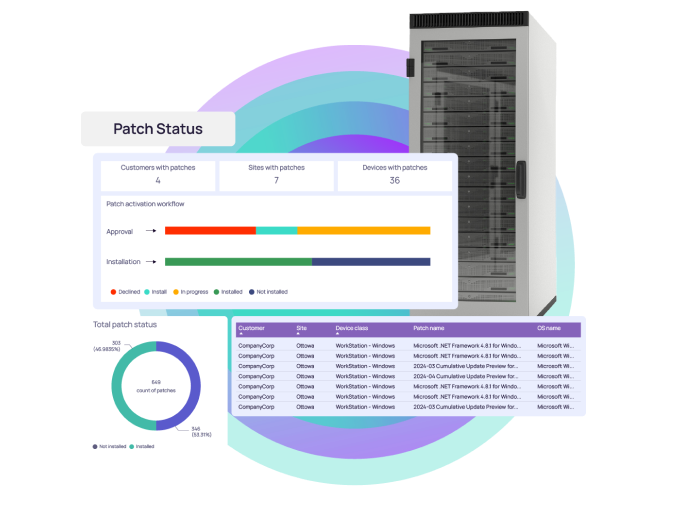
N‑able RMM platforms provide server patch management with the flexibility and automation to have granular control over testing, delayed deployment scheduling, roll back, and reboot controls, along with reporting and analytics to reduce the challenge associated with server patch management.