

Windows Patch Management Keep Windows systems secure and compliant
Keep vulnerabilities in check and compliance on track with Windows patch management from N-able UEM, with centralized control across your entire device estate.
Patch management for Windows, built to run the heavy lifting
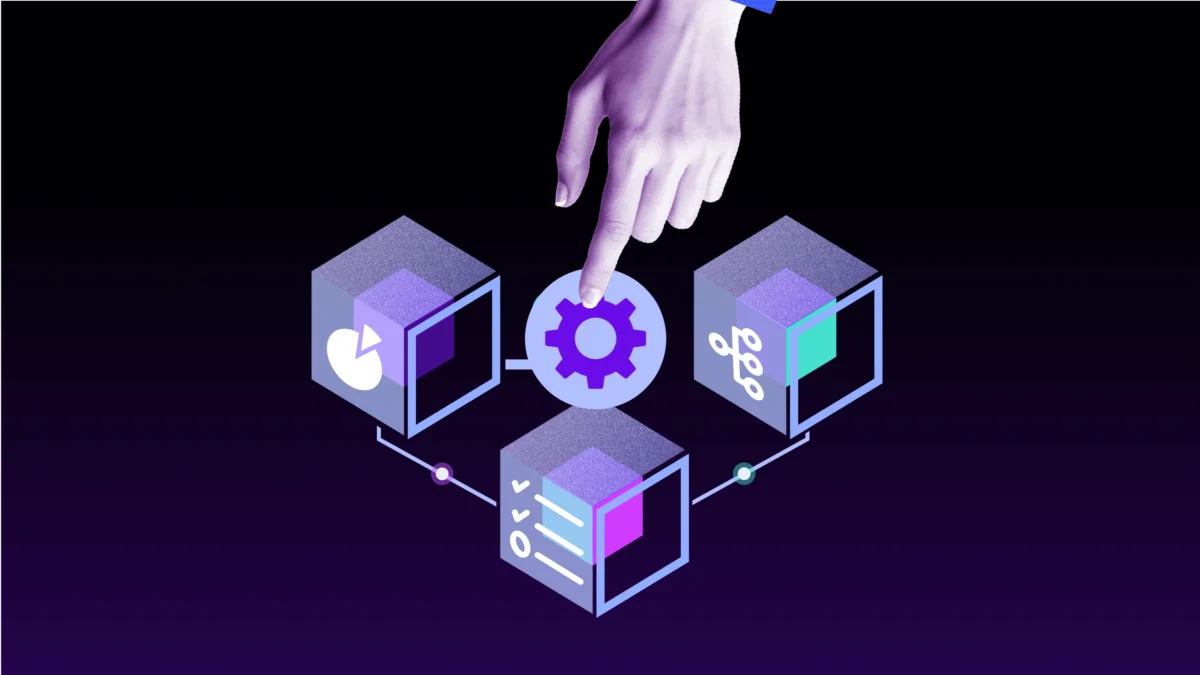
Set it once, patch it everywhere
Policy-driven automation handles scheduling, approvals, retries, and reboot control across Windows devices, so patches land on time without the manual chase work.
Know what to patch first
N-zo Patch Expert gives technicians guided intelligence on patch decisions and failure triage, so they know what to act on without digging through logs or vendor advisories.

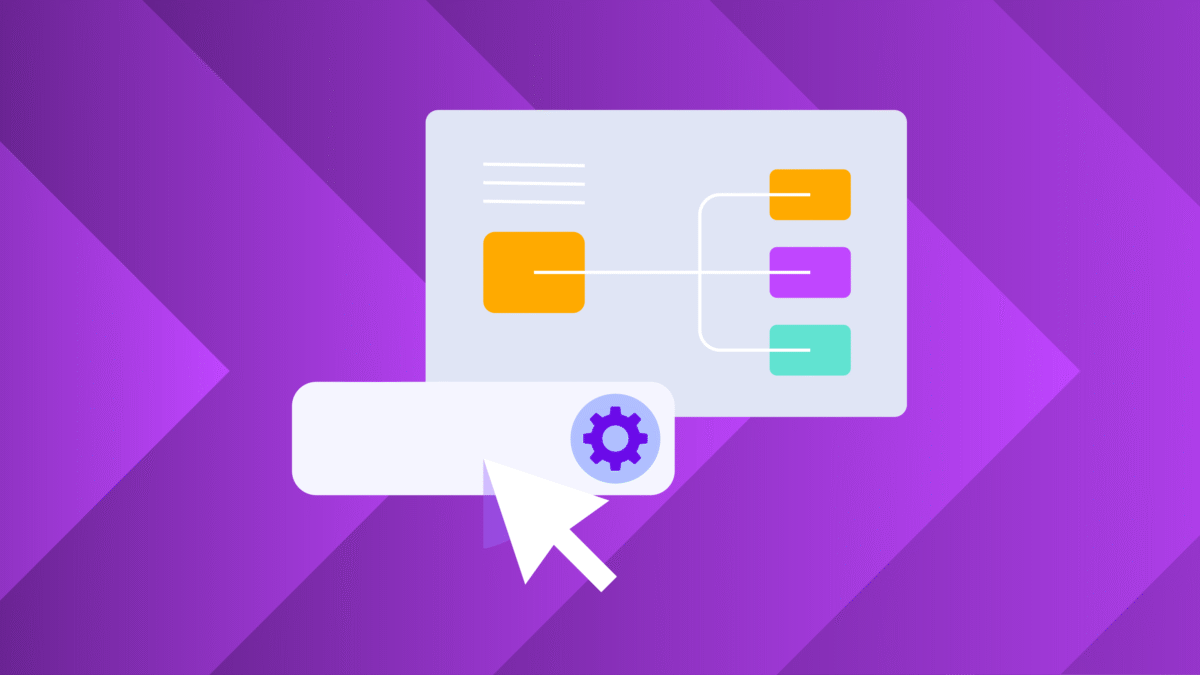
One console, all your OSes
Windows, macOS, and Linux patching from one console, with shared policies, dashboards, and Patch Compliance Reports that make audit evidence a byproduct of everyday operations.
From risk to resolved, in one workflow
Spot vulnerabilities across 900+ applications, prioritize by real-world risk, and deploy third-party patches from the same console, without switching tools.
Find the right Windows patch management solution for your team
Manage large networks and scale patch operations.
- Cutting-edge security, automation, and integrations
- Scale operations without adding resources
- Achieve peace of mind knowing your devices are secured with reliable patching
Under contract? We've got you covered.
Patch fast with RMM designed for smaller MSPs and IT departments.
- RMM + remote access + ticketing and billing
- Get started in minutes and expand as you grow
- Upgrade from your usual RMM tools with leveled-up patching
A complete solution with easy setup.
Not sure which fits your business better? Read more about how they compare.
FAQs
What is Windows patch management software?
What is Windows patch management software?
Windows patch management software automates the process of identifying, testing, deploying, and verifying security and feature updates across Windows devices. It helps IT teams and MSPs close exposure windows faster by streamlining patching workflows, reducing manual effort, and maintaining compliance. N-able UEM goes beyond traditional patching with vulnerability scanning, AI-driven prioritization, and automated remediation in a single workflow.
How does N-able UEM automate Windows patch management?
How does N-able UEM automate Windows patch management?
N-able UEM uses policy-driven automation to manage the entire patch lifecycle: scheduling, approvals, deployment, retries, offline device handling, and reboot control. You can automatically approve and deploy updates based on severity (CVSS), apply patches during defined maintenance windows, and verify completion with on-demand re-scanning. N-zo Patch Expert provides plain-language guidance on patch decisions and failure resolution, so technicians spend less time troubleshooting and more time remediating.
Can I manage Windows patch policies across multiple clients from one console?
Can I manage Windows patch policies across multiple clients from one console?
Yes. Both N-central and N-sight provide centralized, multi-site patch management from a single console. You can create policies spanning different client environments, customize schedules and approvals by site or device group, and keep visibility into status and compliance across your estate. This helps MSPs standardize service delivery, reduce operational complexity, and maintain clear audit trails for every client.
How does N-able UEM help with patch compliance and reporting?
How does N-able UEM help with patch compliance and reporting?
N-able UEM simplifies the path to audit readiness. The Patch Compliance Report provides compliance scores, coverage metrics, mean time to remediate, and detailed patch status and history in Asset View. All patch activity is logged and exportable for CMMC, HIPAA, PCI DSS, and SOC 2 audits. Because patching and vulnerability management run in the same platform, you can prove that vulnerabilities were identified, prioritized, and closed through a single workflow.
What is the difference between N-central and N-sight for Windows patching?
What is the difference between N-central and N-sight for Windows patching?
N-central is designed for complex, high-scale environments that require advanced automation, multi-site policy control, CVSS-based approvals, and multi-tenant visibility with audit-grade reporting, ideal for MSPs managing large client estates and IT teams supporting distributed organizations.
N-sight focuses on streamlined Windows patching with quick setup, automated scheduling, and AI-accelerated intelligence through N-zo, best suited for lean IT teams and growing MSPs.
Both share the same core patch engine, unified workflows, and AI capabilities, differing primarily in scale, control, and operational depth.
How does AI support Windows patch management decisions?
How does AI support Windows patch management decisions?
N-zo Patch Expert provides guided intelligence directly inside N-central and N-sight, helping technicians make faster, more confident decisions. It delivers plain-language answers to questions such as “What patches came out last week?” and “Why did this patch fail?” while providing explainable insights into patch failures, environment-aware remediation guidance with confidence levels and source citations, and Patch Tuesday awareness with relative timeframes. This turns manual analysis of logs, KB articles, and vendor advisories into actionable answers in moments.
Start patching smarter across your Windows environment
See how N-able UEM helps IT teams and MSPs automate Windows patch management and reduce risk across all your managed devices.