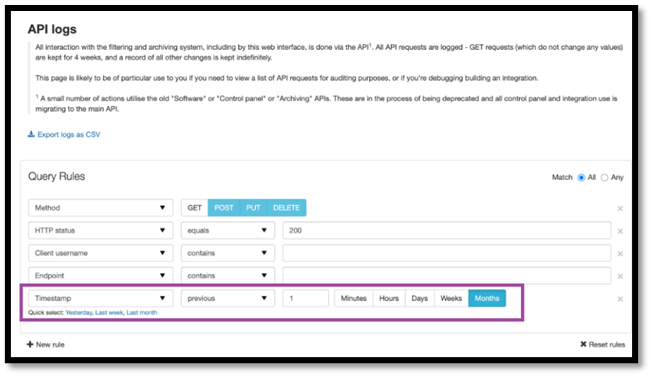
We are pleased to announce new enhancements to the Archive Export module with the option to view the export status and the notification release time. Additionally, we’ve improved the spear phishing blocking rule configuration with the CSV import option.
Over the next two weeks, we will be enabling the following options:
We’ve implemented the option to track the progress for the archive export requests for both Inbound and Outbound email flows.
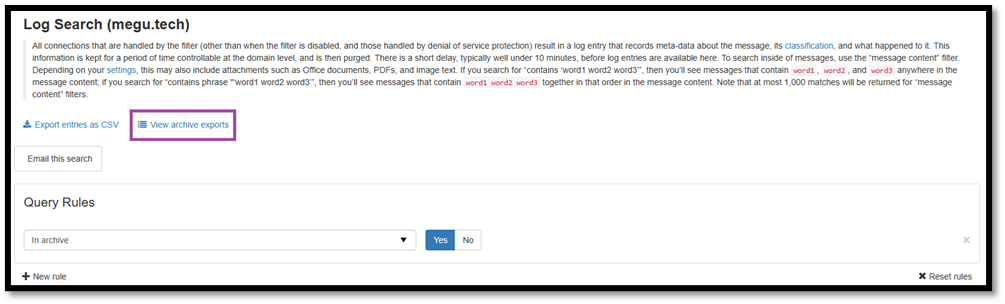
In Archiving / Search – Incoming and Archiving / Search – Outgoing, we have added a new button View archive exports, aimed to show the main information related to the export requests.
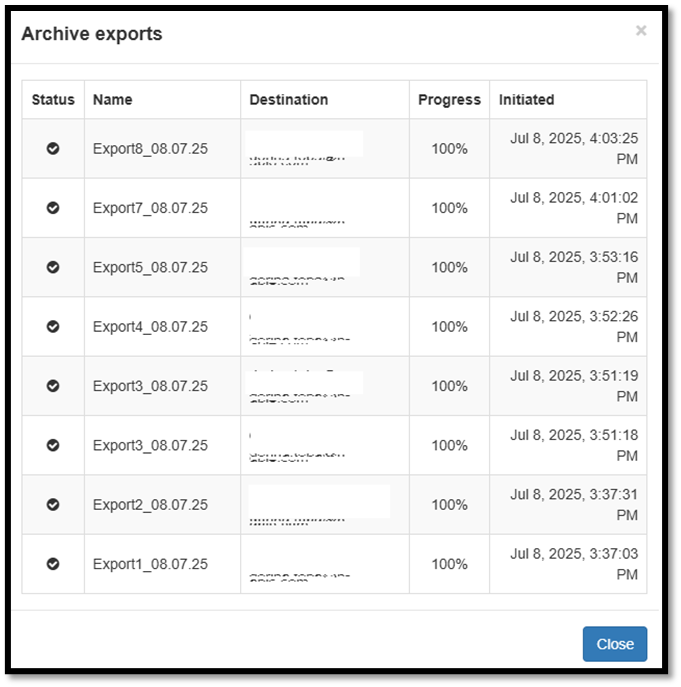
The information regarding status, progress, email notification recipient and the release time has been added for the initiated export requests from the last 30 days.
Having Use advanced custom filtering rules mode enabled, a new option has been added in Incoming - Protection / Block list filtering rules, aimed to offer the mass configuration for the spear phishing blocking rule.
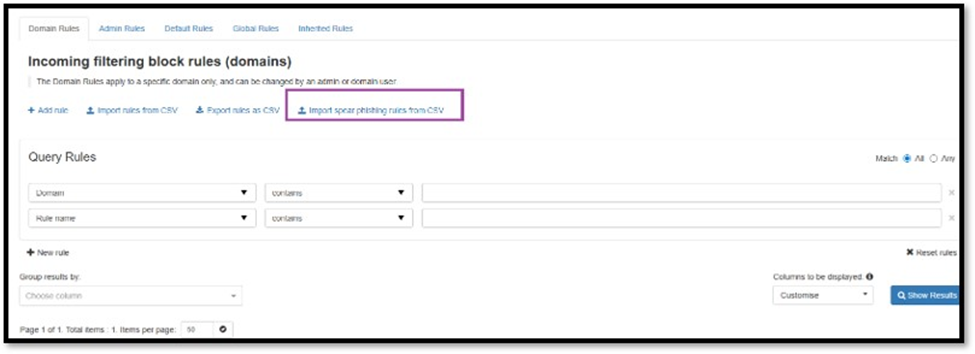
CSV import option for this rule uses a dedicated template for the cases when preventing against spear phishing – CEO Fraud requires the configuration for a large number of high-ranking executives.
Since the latest major release, we’ve fixed the following issues: