
Patch management for Mac Secure macOS and Mac apps with unified patching
Simplify Mac patching and reduce security risk with N-able UEM. Combine patch management, AI-powered prioritization, and vulnerability remediation in a single platform.
One platform. Complete Mac patch management.

Unified multi-OS patching in one console
Manage macOS, Windows, and Linux patches from a single workflow. One platform for all operating systems across your entire estate.
MDM and macOS agent for flexible deployment
Built-in MDM capabilities and a macOS agent let you deploy patches on your schedule. Keep macOS devices and Mac applications up to date with minimal disruption.
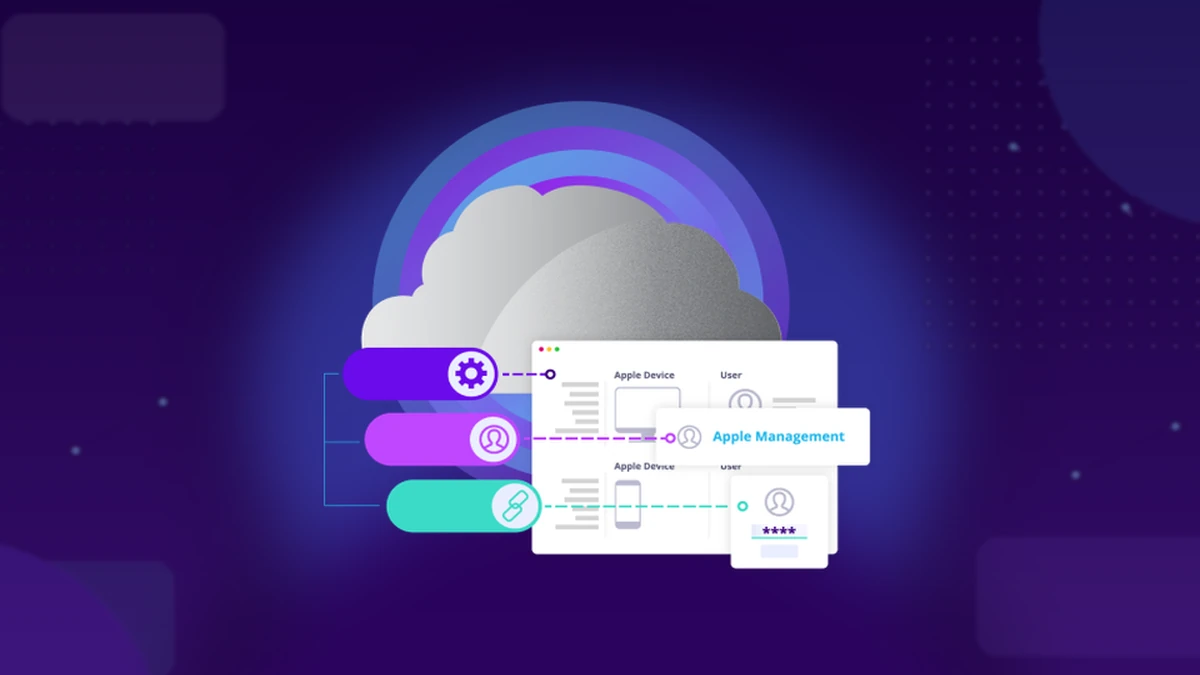
Real-time visibility into Apple device patch status
Dashboards show which patches are installed, missing, failed, or pending across all Apple devices. Spot gaps quickly and act with confidence before threats emerge.
AI-powered patch guidance and prioritization
N-zo helps prioritize patches by exploitability and active exploitation status, not just severity scores. Get plain-language guidance on what to patch first and why.
Choose the right Mac patch management solution for your team

Manage large networks and scale patch operations.
- Cutting-edge security, automation, and integrations
- Scale operations without adding resources
- Achieve peace of mind knowing your devices are secured with reliable patching
Under contract? We've got you covered.
Patch fast with RMM designed for smaller MSPs and IT departments.
- RMM + remote access + ticketing and billing
- Get started in minutes and expand as you grow
- Upgrade from your usual RMM tools with leveled-up patching
A complete solution with easy setup.
Not sure which fits your business better? Read more about how they compare.
FAQs
Why is Mac patch management important for MSPs and IT teams?
Why is Mac patch management important for MSPs and IT teams?
Mac patch management helps MSPs and IT teams reduce security risk, support compliance, and improve system stability across Apple devices. Unpatched macOS systems and apps are common attacker entry points. Systematically identifying, prioritizing, and deploying patches closes those gaps before they can be exploited. N-able unifies macOS, Windows, and Linux patching into one workflow with policy-based automation and AI-powered prioritization.
What are the risks of not patching Mac devices consistently?
What are the risks of not patching Mac devices consistently?
Failing to patch macOS devices exposes your organization to security vulnerabilities, data breaches, compliance issues, and operational disruptions. Unpatched systems are prime targets for attackers exploiting known CVEs, particularly in widely used third-party apps like browsers, PDF readers, and productivity tools. Outdated software can also cause crashes, compatibility issues, and reduced performance.
For regulated industries, unpatched endpoints can mean audit failures, insurance penalties, and loss of customer trust. With disclosure-to-exploitation now measured in hours, consistent Mac patch management has become foundational to endpoint resilience.
How does N-able prioritize Mac patches?
How does N-able prioritize Mac patches?
N-able uses AI-powered vulnerability prioritization to help you focus on the patches that matter most. Instead of relying solely on CVSS scores, N-zo Vulnerability Expert combines severity, CISA KEV active exploitation status, EPSS probability, and live device context to surface the vulnerabilities with the highest real-world risk. This helps reduce exposure faster and more effectively than traditional patch cycles.
Can I manage Mac, Windows, and Linux patches from one platform?
Can I manage Mac, Windows, and Linux patches from one platform?
Yes. N-able delivers unified multi-OS patching across macOS, Windows, and Linux from a single console. Deploy patches, track status, enforce policies, and verify compliance across all operating systems without switching tools. This unified workflow reduces operational complexity and helps lean IT teams patch at scale without added headcount.
What's included in N-able patch management for Mac?
What's included in N-able patch management for Mac?
The N-able patch management solution includes macOS operating system patching (currently in public preview), a growing catalog of third-party Mac application patches, built-in MDM capabilities, a macOS agent for flexible deployment, real-time dashboards for patch status visibility, and integration with N-able vulnerability management and the AI powered N-zo assistant.
The same policy-based workflows, automation, and compliance reporting used for Windows and Linux extend to macOS.
How does N-able Mac patch management differ from other solutions?
How does N-able Mac patch management differ from other solutions?
N-able treats Mac patch management as part of a continuous, AI-accelerated workflow. Built-in vulnerability management scans macOS devices every six hours and triggers on-demand scans to verify remediation. N-zo Patch Expert provides plain-language guidance on what to patch, why, and how to resolve failures without log analysis or vendor advisory hunting. Policy-based automation handles routine patching, while AI-driven prioritization surfaces exposures with the highest real-world risk. The result: faster remediation, broader coverage, and less manual effort across your Mac fleet.
Can I manage Mac OS patching and third-party app patching from the same platform?
Can I manage Mac OS patching and third-party app patching from the same platform?
Yes. N-able unifies macOS and third-party app patching in a single workflow. Whether you’re deploying Apple security updates or patching Chrome, Slack, or Visual Studio Code, the same console, policy engine, and automation framework apply. You get unified visibility into patch status and vulnerability posture across macOS devices, along with centralized reporting to support compliance efforts. The closed-loop workflow lets you scan, prioritize, remediate, and verify fixes instantly with on-demand re-scanning. No separate tools or fragmented dashboards required.
Secure your Mac environment with smarter patching
Unify macOS and Mac app patching with AI-powered prioritization and built-in vulnerability management. Start protecting your Apple devices today.