

Network Monitoring Software Gain insight, take control, and protect your network
With powerful monitoring tools from N-able, you’ll gain greater visibility, faster troubleshooting, and built-in security designed to stop downtime before it starts.
Full network visibility, zero blind spots

Network device discovery
Automatically discover network devices like switches, routers, and printers using our software probes. This scalable approach provides comprehensive visibility across your environment from the moment you get started.
Real-time metrics and control
Get deep performance insights from every endpoint. Our agents run on Windows, macOS, and Linux devices to gather metrics, enforce policies, and enable remote management, giving you real control.

SNMP monitoring
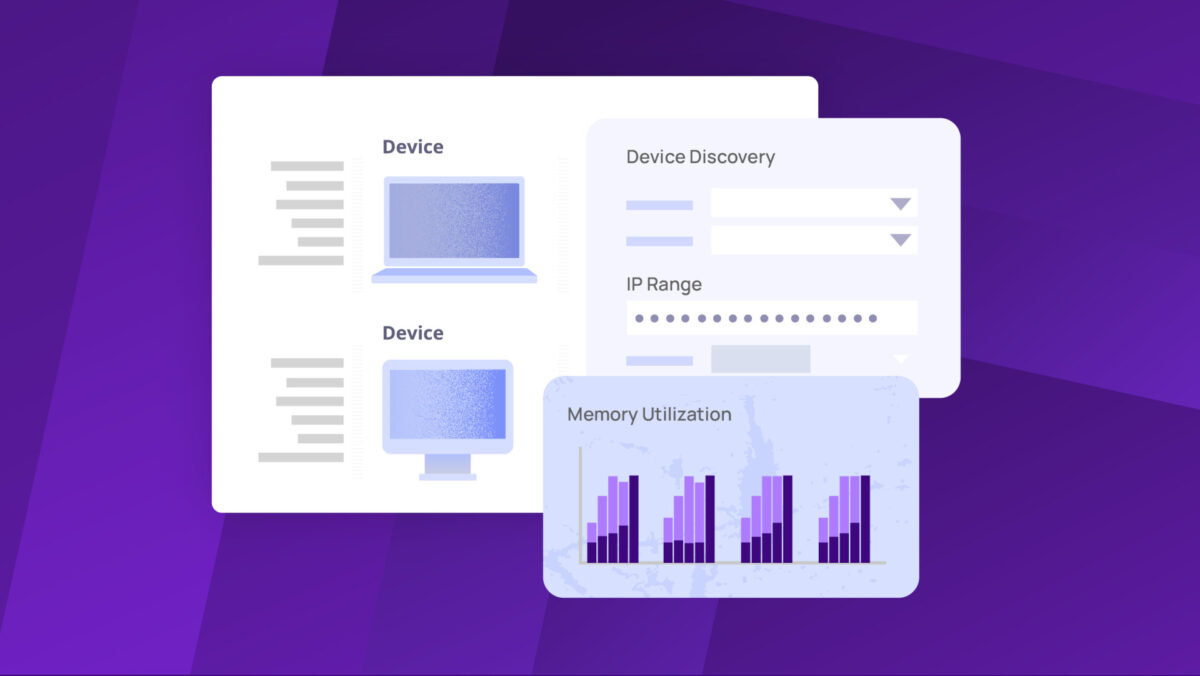
Monitor almost any IP-connected device using SNMP. You can create custom services using vendor MIBs to track device-specific metrics like CPU, memory, and interface status so you always have a pulse on network health.
Network topology mapping
Visualize your entire network layout with a dynamic topology map. See device relationships, check monitoring status at a glance, and click through to get detailed device information for faster diagnostics.


Alerting and notifications
Configure custom alerts for device status changes, service failures, or connectivity issues. Send targeted notifications via email or mobile to the right person, at the right time, based on user and schedule.
Make network monitoring easy with the right UEM tool for you

N-sight UEM
Delivers essential network monitoring capabilities with simplified deployment
- Ideal for less complex networks with essential needs
- Offers remote access tools for faster troubleshooting
- Automates patching and updates with ease

N-central UEM
Provides advanced network monitoring with deep automation and customization
- Created to manage complex network environments
- Includes advanced automation policy builder
- Extensive reporting and integration capabilities
Wondering which solution is the best fit for your business? Read more about how they compare.
FAQs
Can network monitoring tools from N-able provide early security warnings?
Can network monitoring tools from N-able provide early security warnings?
Yes. Our network monitoring software includes powerful SNMP capabilities to continuously track device performance and configuration changes in real time. This allows the system to identify early indicators of potential security threats, such as unauthorized access attempts or unusual device activity, enabling your team to respond proactively and protect network integrity.
How do probes and agents help manage networks?
How do probes and agents help manage networks?
N-able UEM platforms use probes and agents to deliver comprehensive network oversight. Probes actively scan local networks to discover and monitor SNMP-enabled devices that can’t have an agent installed. Agents are installed on endpoints like servers and workstations to collect in-depth performance data, enforce policies, and enable remote management, giving you total control.
Which devices can be monitored with your software?
Which devices can be monitored with your software?
Our network monitoring tool can oversee any IP-connected device. This includes network hardware like routers, switches, and firewalls using SNMP. We also provide deep monitoring for Windows, macOS, and Linux servers and workstations, as well as mobile devices, giving you extensive coverage across your entire IT infrastructure.
How does network monitoring help with cybersecurity?
How does network monitoring help with cybersecurity?
Network monitoring serves as an early warning system for security threats by continuously analyzing device performance, configuration changes, and network traffic patterns. N-able UEM’s network monitoring capabilities can detect unusual behaviors that may indicate security breaches, unauthorized access attempts, or malware activity. When integrated with our Endpoint Detection and Response (EDR) solution, the platform provides advanced threat detection and automated response capabilities, helping protect networks proactively.
What automation capabilities are available for network monitoring?
What automation capabilities are available for network monitoring?
N-able UEM offers robust automation features that transform network monitoring from a reactive to a proactive service. The platform can automatically discover new network devices, apply monitoring configurations, generate alerts based on custom thresholds, and even execute remediation scripts when issues are detected. MSPs can create custom automation policies using PowerShell scripts and apply them across multiple client networks, significantly reducing manual intervention and improving response times to network issues.
Why is network management critical for MSPs and IT professionals?
Why is network management critical for MSPs and IT professionals?
For MSPs and IT professionals, an effective network management tool is essential to reliable IT operations. It helps maintain continuous uptime, proactively identifies issues to reduce downtime, and streamlines resource management. With N-able UEM platforms, you can elevate service delivery and keep business-critical systems performing at their best.