
Automation Intuitive automation, coding optional
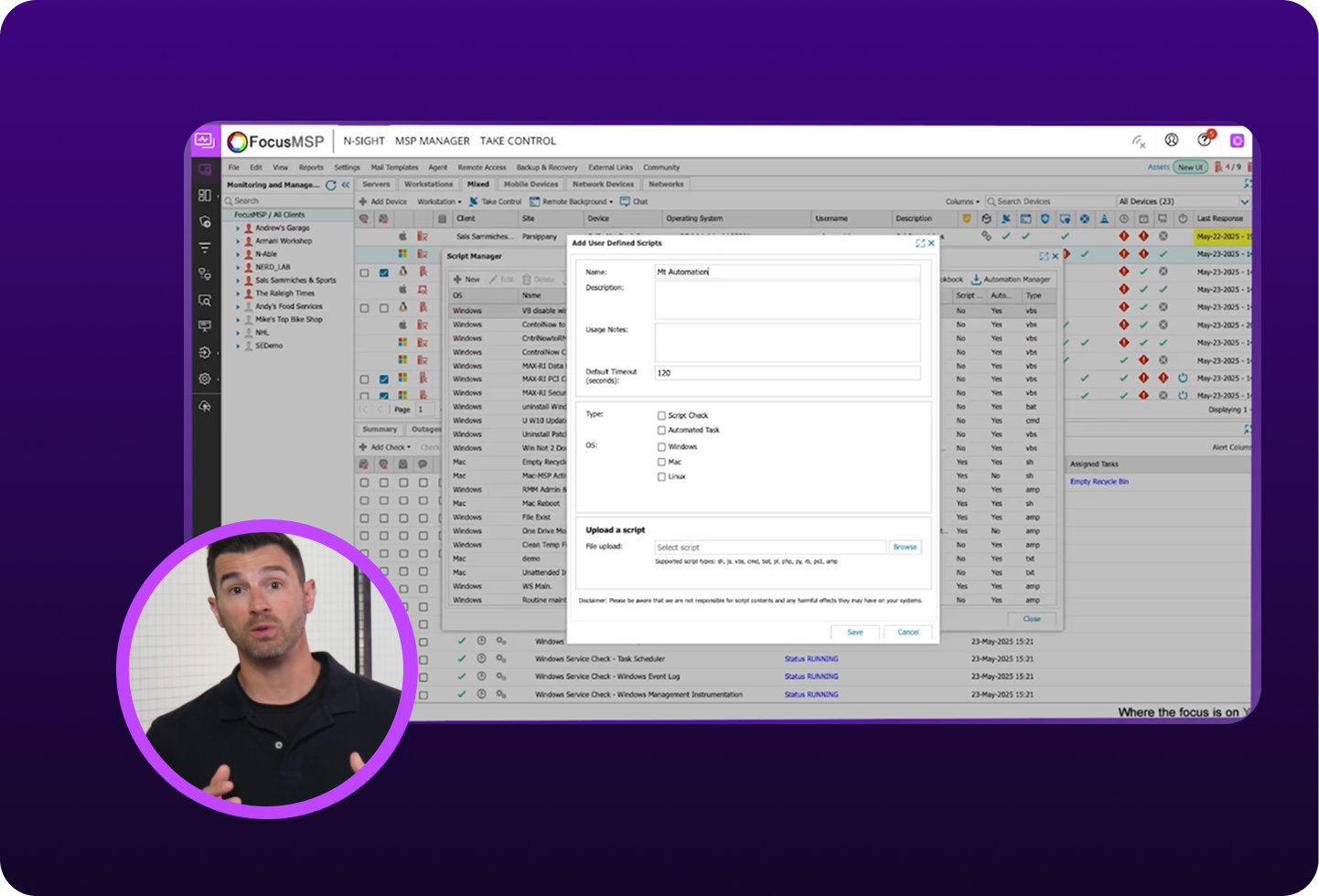
Reclaim hours of your day by automating patching, monitoring, backups, security scans, software deployment, and reporting. IT automation from N-sight saves your team valuable time.
The power to automate your way
Whether you’re maintaining thousands of devices or just getting started, our intuitive automation drives efficiency and resilience.
Boost consistency, cut risk
Accomplish more with AI
Work smarter at scale
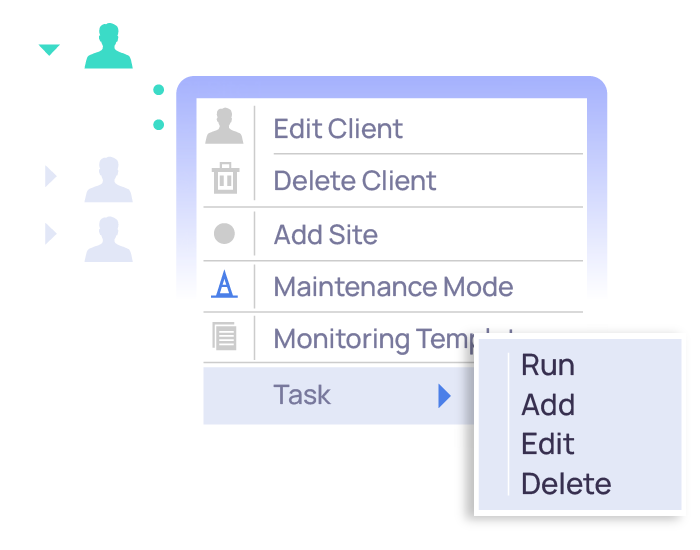
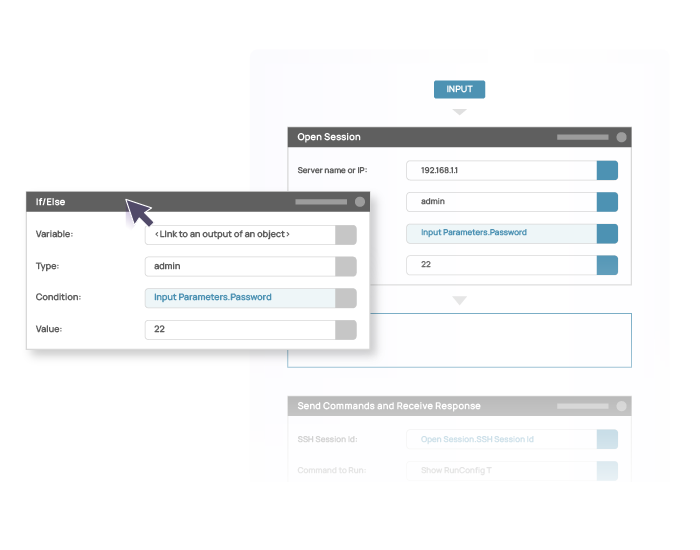
No code, low code, or full code—it’s your call
N-zo: AI Assistant
Built for IT teams, N-zo is an embedded AI assistant inside N-sight that brings relevant insight directly into your day-to-day workflows.
Get answers without breaking your flow
N-zo taps into N-sight product knowledge to guide you through tasks and questions as they come up. Instead of hunting through documentation, you get clear, relevant guidance right where you’re already working.
- Step-by-step help surfaced instantly, without searching support articles
- Faster execution of everyday tasks with less trial and error
- Product guidance delivered in context, inside N-sight
Work faster with less effort
N-zo reduces the time required to diagnose and troubleshoot endpoints by delivering guided insights directly inside N-sight.
- Faster diagnosis with asset specific, context aware guidance
- Reduced workload through proactive performance insights
- More issues resolved without switching tools or workflows
Stop vulnerabilities before they become incidents
Shift from reactive response to proactive risk management by quickly identifying CVE exposure and addressing vulnerabilities early.
- Fewer reactive tickets by catching CVE related risks before they escalate
- Improved uptime and more predictable environments through reduced exposure
- Clear visibility into CVE exposure, endpoint health, and ongoing risk
Optimize your workflows with N-sights’s MCP Server
Connect any MCP-compatible AI tool to query live N-sight data and take action — no custom code, no rebuilding.
- Build custom agents that align to your NOC, SOC, or service workflows
- Leverage secure, real-time operational data
- Move from recommendations to in-platform actions

N-sight is a full solution not just a set of products that simply work together. It’s a one-stop shop for everything I want to do as an MSP.
Louis BeauFounder, Consulea
€2500 month savings in travel time*
Automate the work that never ends
Patch management

Device monitoring

Security scans

Software deployments

Reporting
Agent deployment
The powerful automation system allows for unlimited automation options, freeing up technician time.
Sam W. Business IT Support (Incentivized G2 Review)
Its automation capability saves valuable time, and real-time monitoring ensures proactive management of systems.
Javier R. Cloud Sales Specialist (Incentivized G2 Review)
FAQ
What tasks can N-sight automate?
What tasks can N-sight automate?
There are three main categories of automation tasks. Proactive automation reduces manual tasks by automating daily, weekly, and monthly checklists such as removing temp files and clearing the browser cache. Self-healing automation will monitor and respond to failures and specific processes, for example deploying an automated disk cleanup to recover a disk full situation. Scripts can also be initiated manually to execute multiple steps on demand, such as when recovering a locked-out user.
Is coding required to create automations in N-sight?
Is coding required to create automations in N-sight?
N-able’s automation manager is a drag and drop development environment that does not require coding. You can also leverage pre-existing scripts from the N-able Developer Portal. Use them as designed or customize them to suit your needs, which may require some light coding changes, depending on the level of customization desired.
What is the N-able Developer Portal and how does it support N-sight automation?
What is the N-able Developer Portal and how does it support N-sight automation?
The Developer Portal is a place where you can find hundreds of automation recipes, access helpful information, and use AI to help you build new automation scripts.
Can N-sight automation be used on different types of devices?
Can N-sight automation be used on different types of devices?
Yes, N-sight automation can be used on a variety of devices, including Windows, macOS, and Linux workstations and servers, as well as network devices like printers, routers, and firewalls.
What are the main benefits of automating IT tasks?
What are the main benefits of automating IT tasks?
Automating IT tasks reduces routine workload, strengthens business resilience, and minimizes the risk of human error while ensuring more consistent, standardized service delivery. It also shifts teams from reactive fixes to proactive prevention.
How can automation drive business growth for IT organizations and MSPs?
How can automation drive business growth for IT organizations and MSPs?
Automation enables IT organizations and MSPs to operate more efficiently, freeing up time and resources to take on more clients or higher-value projects. By delivering faster, more consistent service with fewer errors, automation helps drive profitability and scale without increasing overhead.
Resources



Let automation do the heavy lifting
Focus on what moves your business forward. N-sight automation can take care of the rest.