Recursos do N‑central
A N‑able oferece uma riqueza de recursos para orientá-lo desde os primeiros passos até o domínio do N‑central. Explore histórias de sucesso, eventos, webinars, vídeos e muito mais, abrangendo tudo, desde a configuração inicial até a automação avançada.
Nada a exibir
Roteiro do produto
N-zo AI
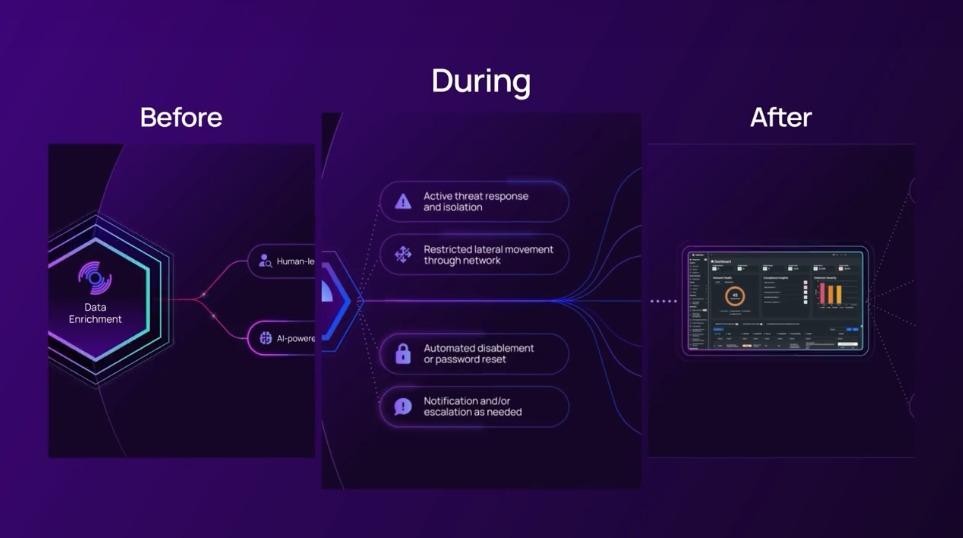
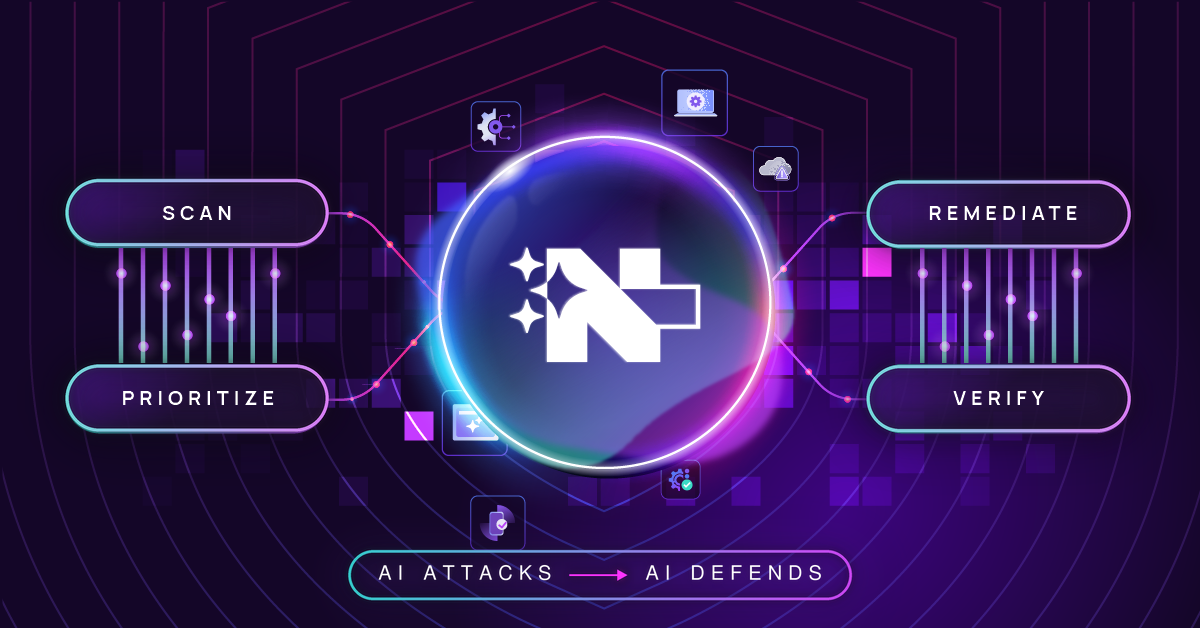
Introducing N-zo AI – Your AI-powered security and operations assistant that truly understands the needs of your business. Precise, context-driven insights from AI to reduce risk, strengthen resilience and speed up troubleshooting with proactive, data-driven assessments and IT expert recommendations.
The UEM MCP Server
Introducing the N‑able UEM MCP Server – Built on GraphQL, it is now possible to directly connect your UEM operations, management and data into your own applications environment with our AI-powered MCP Server. Read about it here N‑able MCP – Connect AI Tools to Your N‑able Platform
Modern Multi OS Patch 2.0 - Linux Patching
We’re developing a new unified UI for N‑sight and N‑central, designed to streamline patch management across Windows, Mac, and Linux devices. This update focuses on enhancing the experience for Linux environments, providing a consistent, intuitive interface for managing multi-OS environments with ease.
N‑central CMMC edition
We are working on updating N‑central Components to meet NIST 800-171 controls for CMMC. This is going to a separate N‑central version enabling parters to cater to customers requiring CMMC compliance.
UI Modernization
N‑central UI Modernisation refreshes the look and feel of the platform to deliver a cleaner, more intuitive experience without changing the powerful workflows partners rely on. By modernising key screens, navigation, and layouts, N‑central becomes easier to use, easier to onboard, and easier to showcase to customers, reinforcing our long‑term investment in a modern, enterprise‑ready solution.
Native Halo PSA Integration
Implementing a Native Halo PSA Integration unlocks unparalleled efficiency and connectivity across your IT operations. By seamlessly connecting your service management workflows with Halo PSA, you streamline ticketing, automate routine processes, and gain real-time visibility into critical business activities—all within a unified platform.
Enable Coexistence of SOAP and REST APIs for the Autotask Integration
The Autotask SOAP API is planning to reach End-of-Life (EOL) to support a smooth transition, we are enabling the coexistence of both SOAP and REST APIs for the Autotask integration. This gives partners the flexibility to continue using their current SOAP 1.6 configurations while gradually migrating to REST, minimizing operational impact.
User Audit Log Export – Additional Audit Events
In earlier releases (24.6, 25.2, and 25.3), we introduced the ability to export user audit logs to a Syslog server, giving partners enhanced visibility into critical user actions across N‑central. In 2025.3.1, we’ve added support for auditing the following user-initiated events:
SSH Access:
- SSH Login
- SSH Logout
Scheduled Task Management:
- Scheduled Task Edited
- Scheduled Task Deleted
- Scheduled Task Enabled
- Scheduled Task Disabled
User Script Activity:
- Script Created
- Script Modified
- Script Deleted
Asset Tagging
Easily categorize and organize devices with greater precision using the new Asset Tag capabilities in N‑central. This enhancement brings more flexibility and control to how partners manage and track devices across distributed environments.
Security & Library Improvements
Continuous improvements to underlying libraries and dependencies used in the N‑central improve performance, ensure compatibility with modern operating systems, against emerging security threats. These updates are part of our ongoing commitment to delivering a resilient, secure, and efficient Unified Endpoint Management
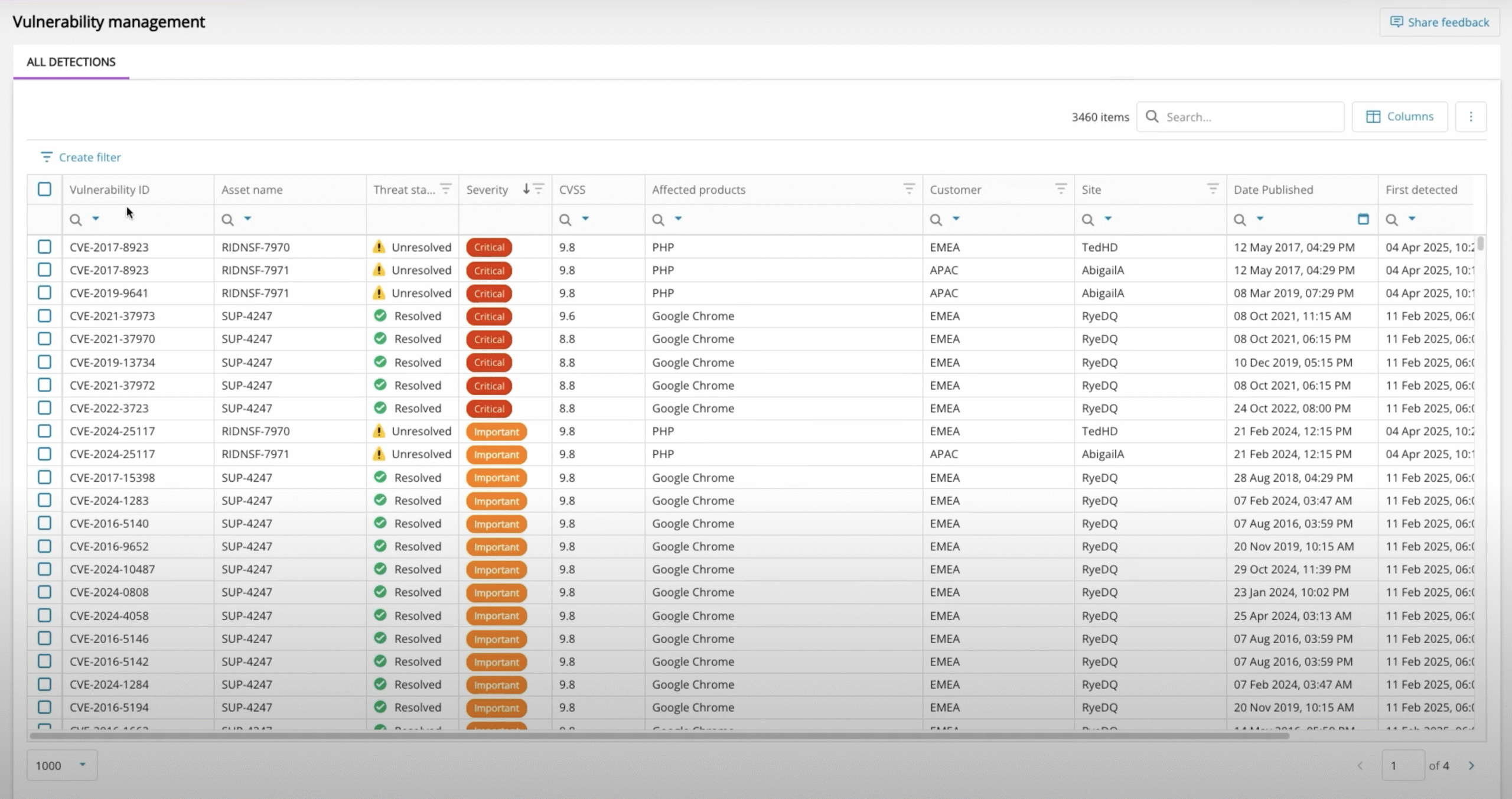
New Vulnerability Management dashboard
Vulnerability Management to MSPs identify, prioritize and remediate software vulnerabilities
N-zo AI Enhancements
Ongoing updates to N-zo AI in terms of capabilities, skills, data and insights.
Introducing N-zo AI – Your AI-powered security and operations assistant that truly understands the needs of your business. Precise, context-driven insights from AI to reduce risk, strengthen resilience and speed up troubleshooting with proactive, data-driven assessments and IT expert recommendations.
Bulk Run Scripts with Global Script Executions View
This introduces bulk script execution across multiple devices; technicians can run scripts at scale via the Assets view and track results in real time through new Completed Script Executions and Pending Tasks views. This improves efficiency, ensures consistent outcomes across endpoints, and provides clear visibility into actions taken across the environment.
Linux TC in Assets View
This initiative introduces native Take Control support for Linux devices within the ecoverse platform (Asset View).
Remote Background in Assets View
Remote Background in Assets View replacing the current deep link model used to connect to N‑central or N‑sight. The work spans agent deployment, session management, technician tooling, and configuration.
Asset Hardware and Config Change Events in Device Activities
Display this update as an Activity in the Activities view
UX Delighters - Continued Assets View Enhancements & Improvements
Quick click assets view refresh providing an up to date picture of the managed estate, slicker navigation of assets within asset details, quickly and easily copy key datapoints through a single click for use in other systems.
Fine tuning of existing datapoints ensuring a clear and concise picture of an asset by reducing screen clutter.
UEM MCP Server Enhancements
Ongoing updates to the MCP server in terms of capabilities, skills, data and insights.
Introducing the N‑able UEM MCP Server – Built on GraphQL, it is now possible to directly connect your UEM operations, management and data into your own applications environment with our AI-powered MCP Server. Read about it here N‑able MCP – Connect AI Tools to Your N‑able Platform
Script Scheduling
This initiative introduces script scheduling to help technicians automate maintenance and remediation tasks across multiple devices. By supporting one‑time and recurring schedules, technicians can ensure critical jobs run consistently without manual effort. A new Scheduled Scripts view provides clear visibility into upcoming, active, and completed schedules, improving efficiency and control across environments.
AI-Powered Asset Summary View
A new N-zo AI powered Asser Summary View to deliver instant insights and recommendations for the selected asset. A comprehensive, up to date summary produced by N-zo that gives IT professionals instant visibility into critical details related to hardware and system specifications, component health, security posture, and current operational status. It reduces the need to jump around to different sections in the UI or manually gather data from multiple sources, thereby accelerating troubleshooting, enhancing decision-making, and ensuring proactive management of system health and security.
Device Management API Updates
We’ve made it easier to manage devices and get the information you need through the N‑central API:
- New! Add Devices Automatically
You can now use POST /api/device endpoint to create devices through the API – ideal for scaling environments, automating deployments, and saving time.
- Improved! See Application Names More Clearly
The GET /api/device/{deviceid}/asset call now includes the application name (application.displayName), so it’s easier to identify the installed applications on each device.
Modern Multi OS Patch 2.0 - Apple Patching
We’re developing a new unified UI for N‑sight and N‑central, designed to streamline patch management across Windows, Mac, and Linux devices. This update focuses on enhancing the experience for Apple (Mac) environments, providing a consistent, intuitive interface for managing multi-OS environments with ease.
Modern Multi OS Patch 2.0 - Windows Patching
We’re developing a new unified UI for N‑sight and N‑central, designed to streamline patch management across Windows, Mac, and Linux devices. This update focuses on enhancing the experience for Windows environments, providing a consistent, intuitive interface for managing multi-OS environments with ease.
Azure Resource Manager
View and manage Azure resources directly in N‑central with a multi-tenant single-pane-of-glass overview
Cloud Asset Manager for Azure Resources
View and manage Azure resources directly in N‑central with a multi-tenant single-pane-of-glass overview
Improve REWST integration
Streamline the integration between N‑central and REWST
Improve API Experience
Our goal is to make the central REST APIs easier for our partners to use, streamlining their workflows and addressing the initial limitations they have experienced. By focusing on greater efficiency and a more seamless experience, we are committed to supporting our partners’ success and reducing any frustrations they may have encountered.
Warranty LookUp Clean-up
We are consistently enhancing our warranty lookup process to provide accurate and reliable warranty details.
Support for Linux Red Hat 10
As part of our ongoing commitment to improving the experience of our partners, we will soon offer full support for Red Hat Linux 10.
Product Bar Seamless Navigation
Introduce the N‑able Product Bar to N‑central in order to enable seamless navigation to other N‑able products leveraging SSO.